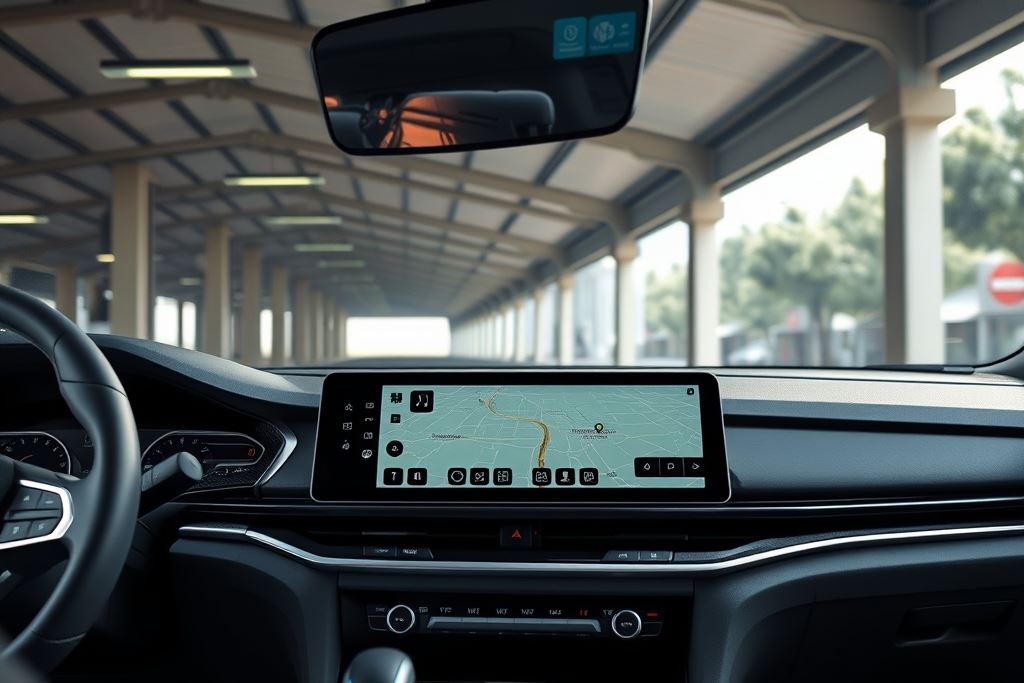
The screen is not the whole system
A large display only feels good when the software responds quickly. Slow boot times, laggy maps and menus that require three taps to change the temperature become irritating every single day. Test the system with the engine running and the car stationary before you sign anything.
Pay attention to how the interface handles basic tasks: switching radio stations, adjusting volume, changing a destination and pairing a phone. If you cannot do those without looking away from the road for more than two seconds, the design has failed.
Features that make daily driving easier
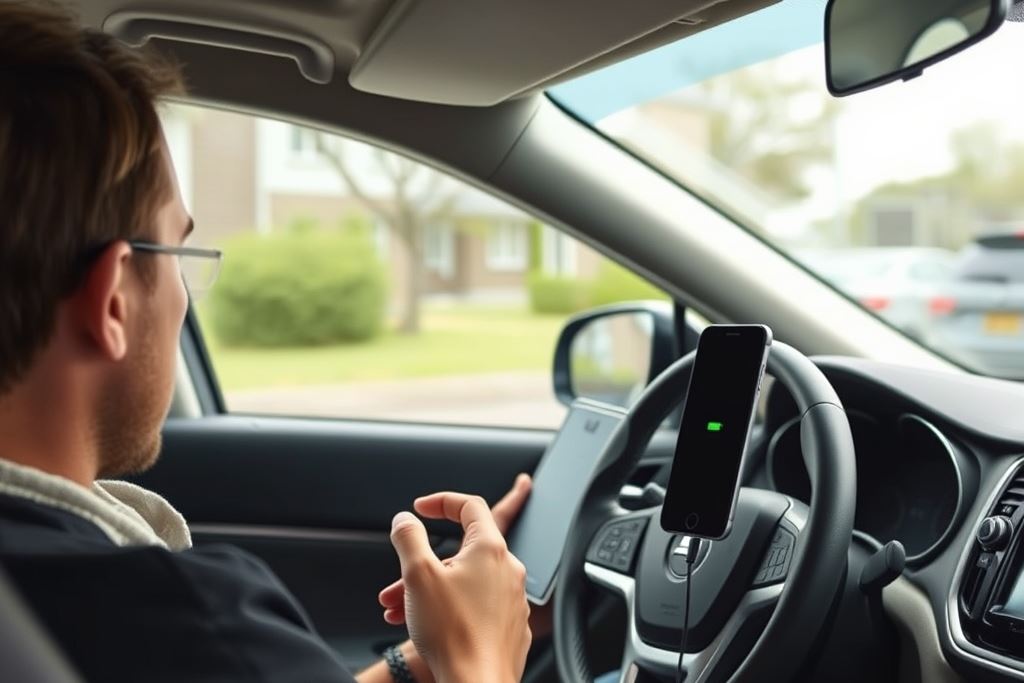
Wireless Android Auto or CarPlay is the most useful upgrade for most drivers. It starts automatically, keeps your contacts and messages in a familiar layout, and removes the cable that usually ends up wedged under the seat. A phone mount and a short cable remain a perfectly good fallback.
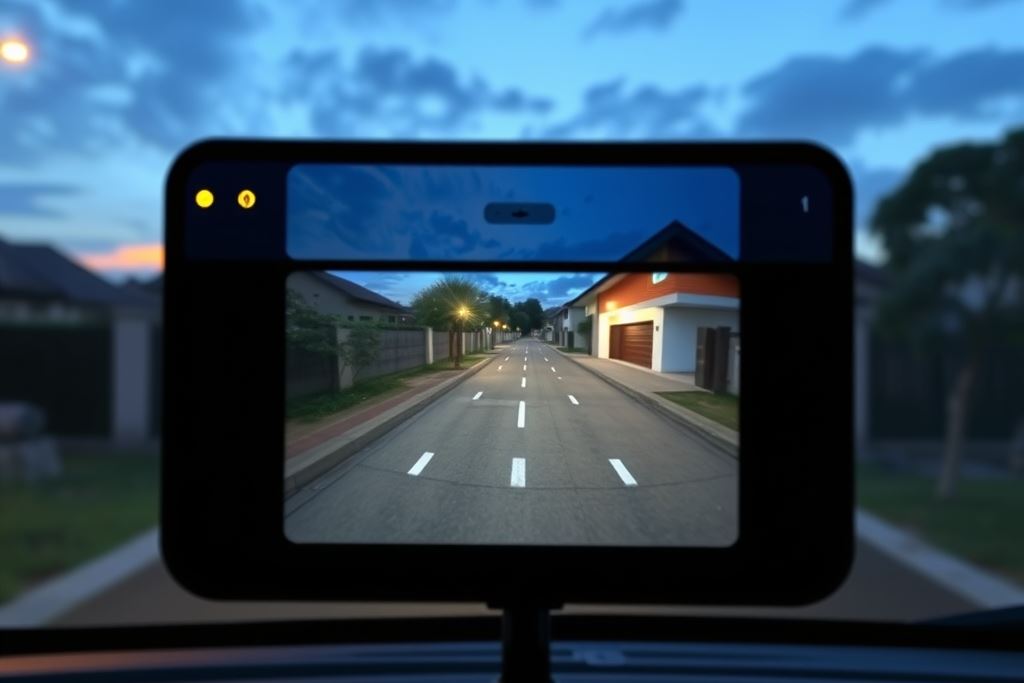
Built-in navigation is worth having in rural areas and in multi-storey car parks where mobile signal drops. A rear camera with clear night performance is another feature you will use on every trip, and a simple 360-degree view makes tight city parking far less stressful.
The case for keeping physical buttons
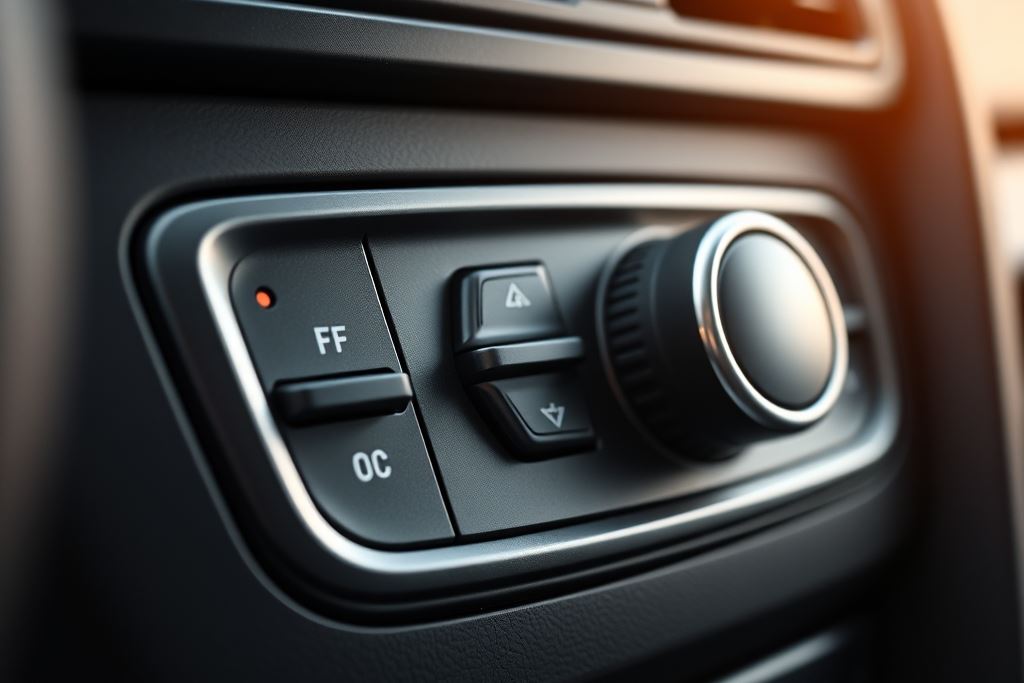
Touchscreens have replaced switches even for climate control and hazard lights. That saves manufacturing cost, but it removes the muscle memory that lets you change the fan speed without looking. Physical controls for volume, temperature and indicators are worth insisting on.
If a car uses a single screen for everything, check whether the most common actions are available on the steering wheel or through a shortcut bar. A good design keeps the driver eyes-up for the tasks that happen every few minutes.
- Pairing Connect your phone in the showroom and check call quality and message display.
- Maps Enter a destination and see how many steps the process takes.
- Climate Change temperature and fan without taking your eyes off the road.
- Updates Ask who pays for map and software updates after the warranty ends.
Updates and the long-term cost
Some brands include over-the-air updates for years; others charge a subscription for connected features that were demonstrated on the test drive. Ask for the full list of functions that require payment after the first period expires.
A system that receives regular updates can improve routing and fix bugs, but it can also move controls around. Read the release notes before accepting a major update, and never install one while the car needs to be driven urgently.
The best infotainment system is the one you forget is there because everything works on the first tap.
What you can safely skip
In-car gaming, decorative ambient light menus and a larger screen than you need add cost without improving transport. The same applies to premium audio systems unless you genuinely listen to music every day and can hear the difference in a parked car.
Spend the budget instead on a clear camera, responsive software and physical controls. Those are the parts of the infotainment package that still feel valuable after the showroom smell has gone.
How we checked
We ran the same set of ten tasks on eight cars across three brands, recording completion time and the number of glances needed. Each car was tested with two different phones to account for mirroring behaviour and cable quality.
Spotted an error? Please contact us — we read every message.